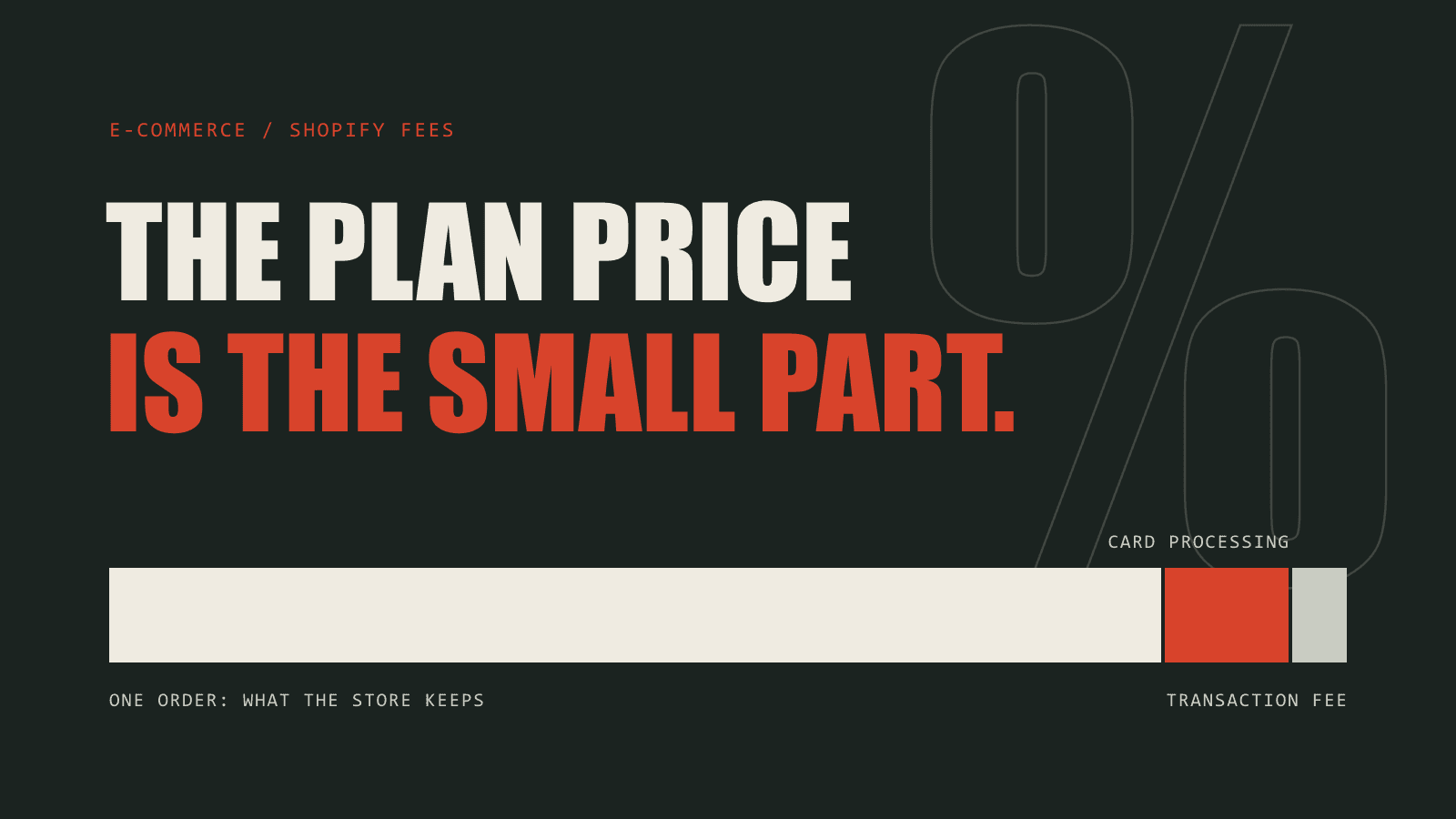
Shopify transaction fees are the part of Shopify pricing most stores underestimate. The plan price is printed on the pricing page. What a store actually pays depends on a percentage taken from every order, and that percentage changes with the plan and with the payment provider.
This guide breaks down each fee, shows what they add up to on a real month of sales, and explains when a higher plan becomes the cheaper one. To run your own numbers, use the free Shopify fee calculator.
What Shopify transaction fees are
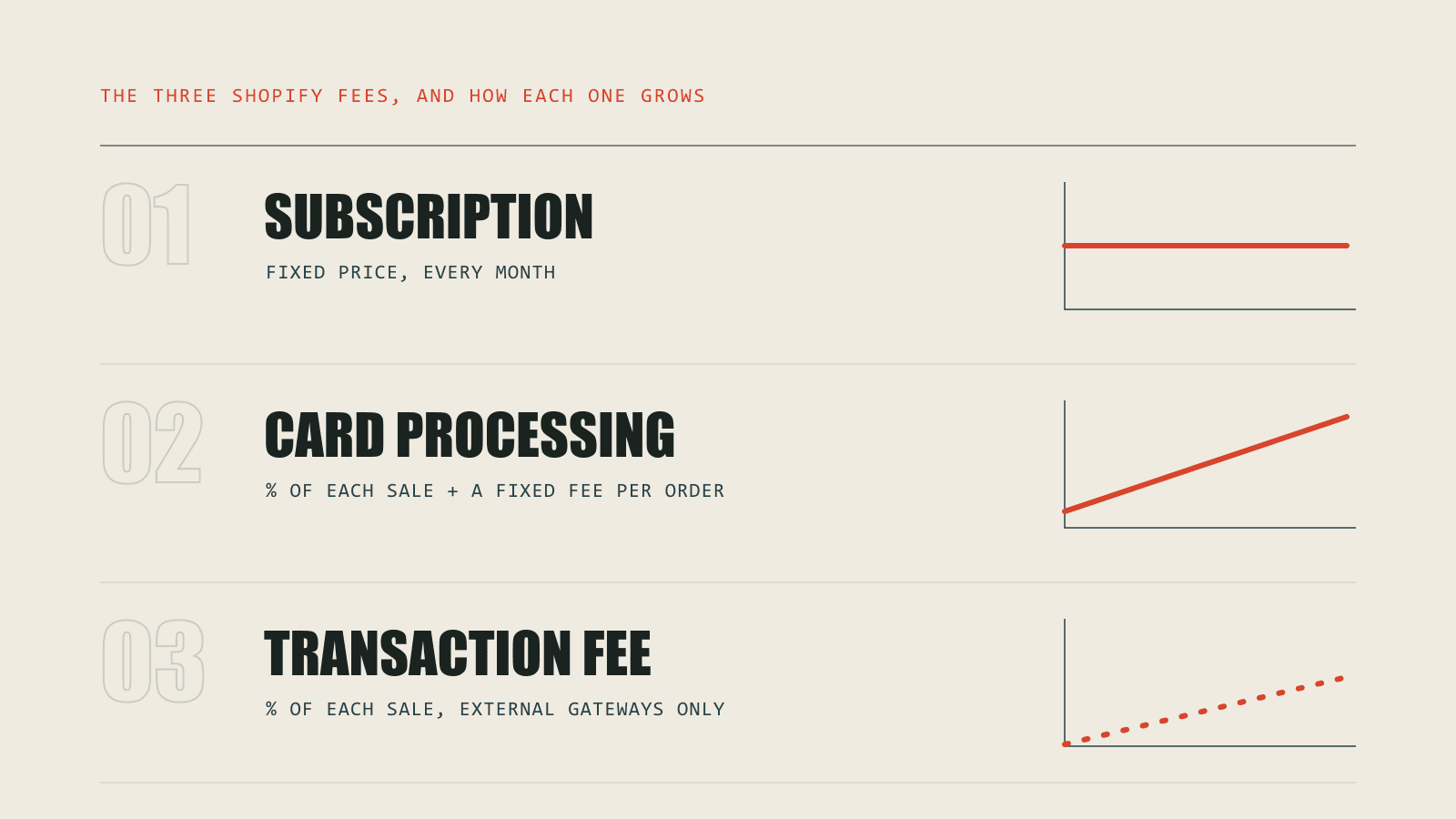
The phrase gets used for two different charges, which is where most of the confusion starts. A Shopify store pays three things:
- Subscription. The fixed monthly price of the plan: Basic, Grow or Advanced.
- Card processing fees. A percentage of each sale plus a fixed fee per order, charged by whoever processes the payment. On Shopify Payments, that is Shopify.
- Third-party transaction fees. An extra percentage Shopify charges on every order when the store uses an external payment gateway instead of Shopify Payments.
The first is the same every month. The other two grow with every sale, which is why they end up being most of the bill.
Shopify fees by plan
Each plan trades a higher subscription for a lower rate on every order. These are the standard United States rates in USD for online sales.
| Plan | Billed monthly | Billed yearly | Online card rate | Third-party fee |
|---|---|---|---|---|
| Basic | $39 / mo | $29 / mo | 2.9% + 30¢ | 2% |
| Grow | $105 / mo | $79 / mo | 2.7% + 30¢ | 1% |
| Advanced | $399 / mo | $299 / mo | 2.5% + 30¢ | 0.6% |
Rates differ by country and Shopify revises them, so check them against Shopify's pricing page for your region. Shopify Plus is not in the table because its price and rates are negotiated per merchant.
Shopify Payments vs a third-party gateway
Shopify waives its transaction fee when a store takes payment through Shopify Payments. Use an external gateway such as PayPal or Stripe and the store pays twice: the gateway's own processing fee, and Shopify's third-party transaction fee on top.
Take a store on Basic doing $20,000 a month across 400 orders. On Shopify Payments, the month costs $739: $39 of subscription and $700 of card processing. On a third-party gateway charging 2.9% + 30¢, the same month costs $1,139, because Shopify adds $400 in transaction fees.
That is $400 a month for the same sales. Shopify Payments is not available in every country, and some stores need a specific gateway, but where there is a choice this is usually the largest single saving.
When to upgrade your Shopify plan
A higher plan costs more each month and takes less from each order. Below a certain revenue the lower plan is cheaper. Above it, the upgrade pays for itself. That crossing point is the break-even revenue.
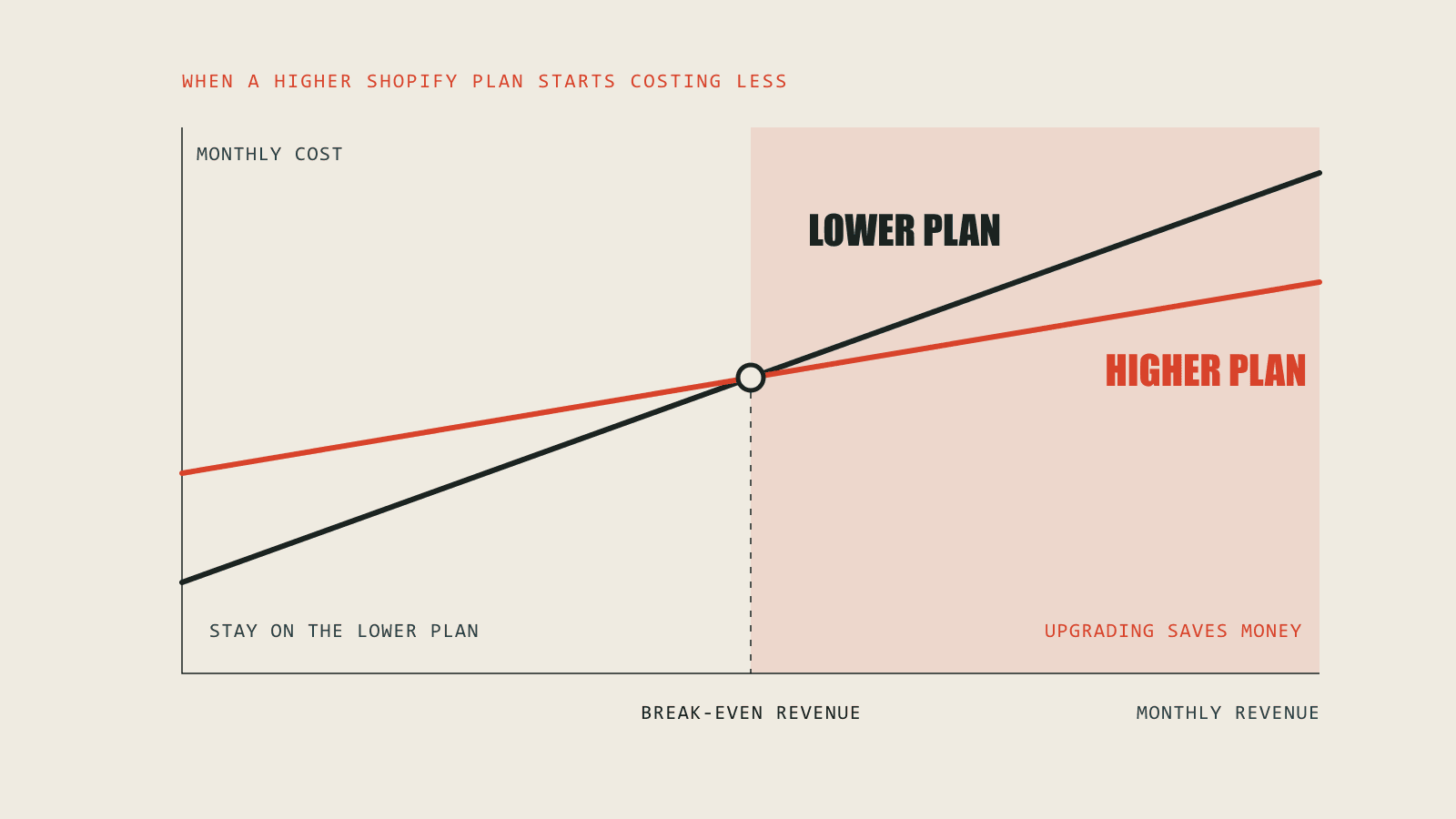
For the example store on Shopify Payments, billed monthly, at a $50 average order value:
- Grow costs less than Basic above $33,000 a month.
- Advanced costs less than Grow above $147,000 a month.
The point moves with your average order value and your billing period, so it is worth working out for your own store rather than relying on a rule of thumb. The Shopify fee calculator gives the break-even for your numbers and marks the cheapest plan.
Shopify costs that are not on the pricing page
Plan and payment fees are the predictable part. A full picture of what Shopify costs also includes:
- Apps, which for many stores add up to more than the plan.
- Paid themes and the development work to customize them.
- Currency conversion on sales in other currencies.
- Higher rates on some international and premium cards.
- Chargebacks and the fee attached to each dispute.
- Shipping labels and point-of-sale hardware.
How to reduce Shopify fees
- Use Shopify Payments where you can. It removes the third-party transaction fee entirely.
- Revisit the plan when revenue changes. A store that has grown past its break-even point is overpaying on every order.
- Pay yearly once the store is stable. The yearly price is lower for the same plan.
- Audit the app stack. Apps that overlap, or that nobody uses any more, are the easiest cost to remove.
The cost that is not a fee
Fees are visible because they appear on a statement. The larger cost for most growing stores does not: the hours spent matching payouts to orders, fixing inventory that disagrees between systems, and copying order data into accounting by hand.
That is an operations problem rather than a pricing one, and it is the work we do. We build Shopify stores and the systems behind them, and connect the store to inventory, accounting and fulfilment so the records agree without someone reconciling them. The Shagufta Styles case study shows what that looks like on a live store.